Ticket Creator
What problem does this automation solve?
This automation streamlines the process of creating Linear tickets from Slack conversations, ensuring that important discussions are properly documented and tracked as actionable items.
Why is it needed?
- It bridges the gap between team communication and project management, eliminating the manual effort of translating Slack discussions into structured tickets and ensuring no valuable information is lost in the process.
Stakeholders & Responsibilities
Owner: Gonzalo Parra
Maintainer: Gonzalo or a designated member from the Engineering team.
Workflow
The Process
- The workflow is triggered when a user initiates a ticket creation action from a Slack message
- Extracts the relevant thread conversation from Slack
- Uses AI to analyze the conversation and format it into a structured ticket
- Creates a ticket in Linear with proper formatting and context
- Posts a confirmation message back to the original Slack thread
- Notifies the user who initiated the ticket creation
Trigger
- A user action on a Slack message through the "Create Ticket" shortcut.
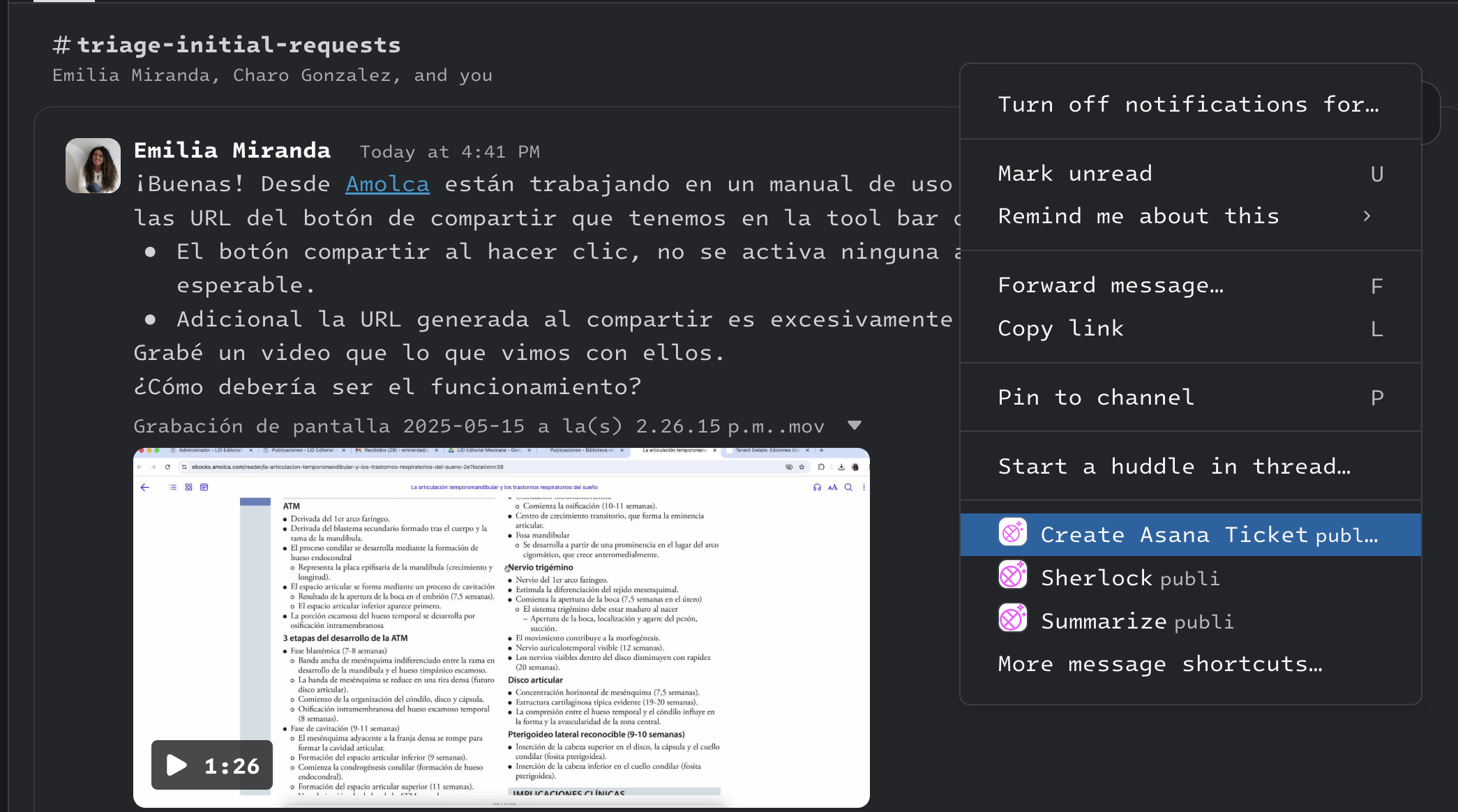
Reference: Slack Shortcuts Documentation
Prompts
The prompts used in this workflow are:
- A system prompt that instructs GPT-4.1-MINI to act as a specialized assistant for creating product and development tickets
- The prompt includes guidelines for formatting different types of tickets (bugs, features, improvements, tasks, user stories)
- It includes special handling for critical flows with additional quality requirements
note
For complete details on the prompt contents and formatting, see the Ticket Creator Prompt documentation.
Outcome
- The workflow creates a well-structured ticket in Linear based on the Slack conversation
- Posts a confirmation message in the original Slack thread with a link to the created ticket
- Sends a direct message to the user who initiated the ticket creation with verification instructions
- Success can be verified by checking the presence of the new ticket in Linear and confirmation messages in Slack
Error Handling
- No specific error handling implemented yet